Upload Artwork for Custom Accessories
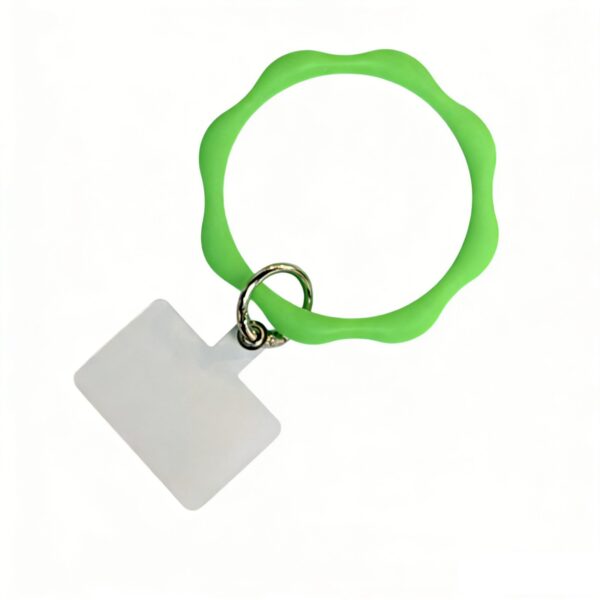
Upload logo files, reference photos, packaging ideas or product sketches for custom phone straps, phone charms, bag charms, keychains and bottle charms. For artwork files, logo customization, or sample requests, contact info@honghanaccessory.com or WhatsApp +86 15906799821.
Include the Decisions the Artwork File Cannot Explain
Identify the component, finished size and units, front/back view and file version. Mark fixed details and open questions before requesting a production template.
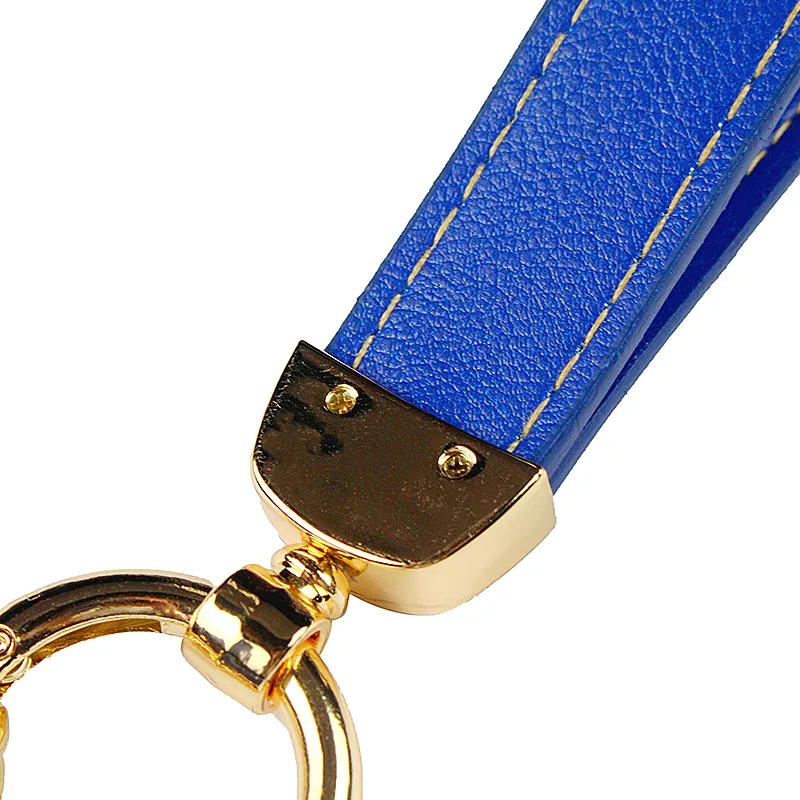
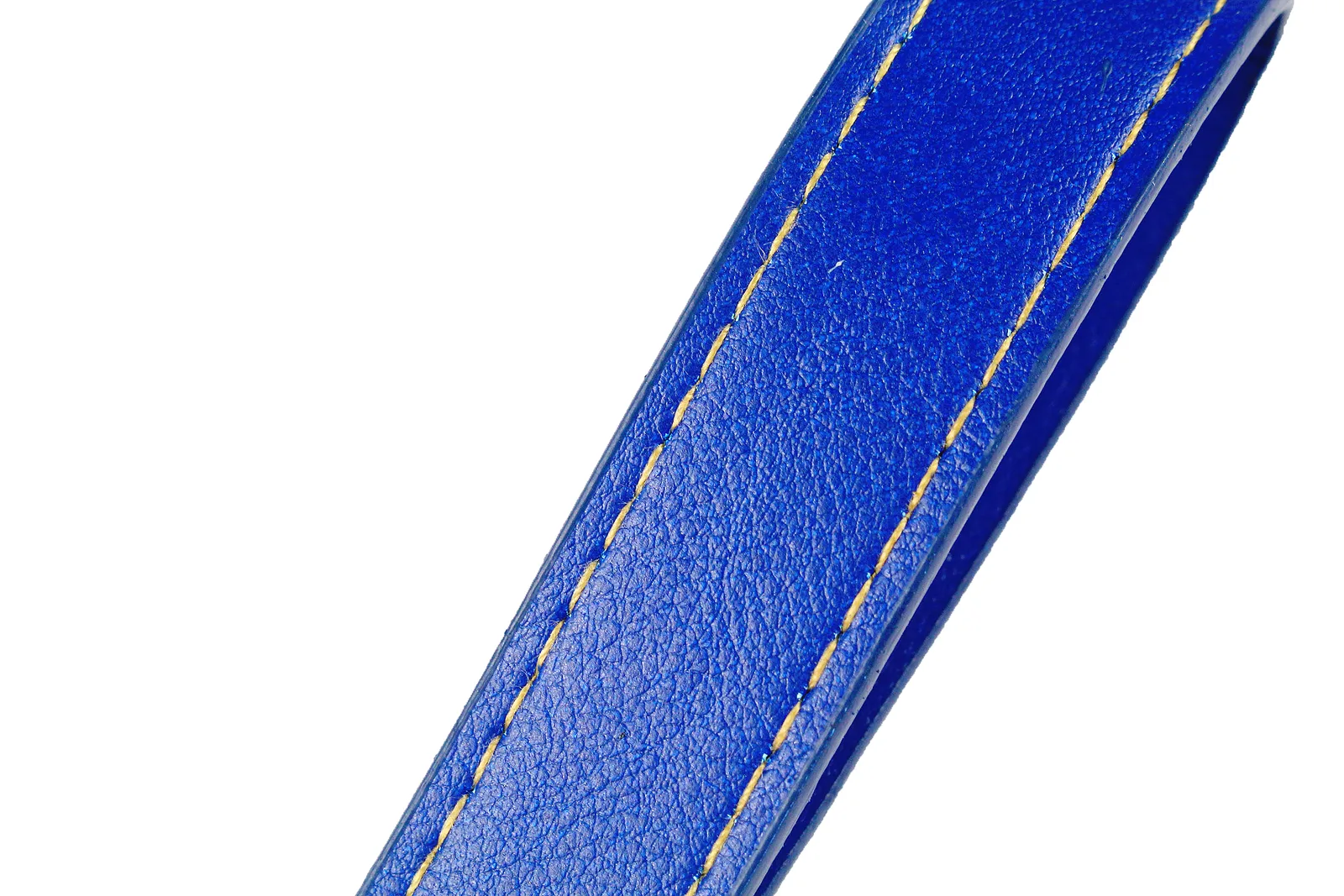
These are product reference photos. They do not define artwork layers, dimensions or a production template.
Material, logo and packaging requirements
Alongside the logo or product sketch, use the message field to identify the reference style, required finished size and units, quantity per design, front/back orientation and exact logo position. Name the file version and explain which details are fixed and which are open to suggestion.
- For custom acrylic keychains: mark the intended outline and hole or loop position, identify front/back artwork and note any transparent areas. Confirm white-ink and production-layer requirements against the template for the selected build.
- For custom logo keychains or other materials: show the actual component to be marked, color references and the desired effect. Ask for the usable marking area and process-specific artwork requirements.
- For packaging: provide the correct product/SKU name, barcode information, language and placement notes. Request the production template before treating a layout as final.
A reference image communicates direction; a physical sample is still needed to approve material, fit or finish. Upload artwork that you own or are authorized to use, and confirm any project-specific handling requirement before sharing sensitive files.
Use the acrylic keychain product guide, keychain procurement page and packaging guide for the detailed specification. Review sample choices or submit a complete quote brief.
Add a file list to your upload message
Name the purpose and version of each file. Record approval for each item separately.
Copy the file list and check the handover notes
If you send several files, identify the purpose and version of each one. A reference photo, a logo file and a packaging layout can belong to the same project while remaining at different approval stages. Do not mark the whole set approved when only one file has been reviewed.
Copy one entry per file into your message. These are blank handover fields, not a production drawing or a universal file-format requirement.
Project / design reference: [enter]
File name and version: [enter]
Purpose: [reference / product artwork / logo / packaging]
Component or front/back view covered: [enter]
Finished size and units shown in the file: [enter / still to confirm]
Details fixed / details open to suggestion: [enter]
Earlier file this replaces: [enter / none]
Review requested and unresolved questions: [enter]
Use the production template agreed for the selected construction. For a keychain project, the existing RFQ template holds the commercial brief, while the sample approval record identifies the physical reference. Cross-reference their versions instead of treating an uploaded file as permission to start production.
Continue to the artwork upload form with your file list and the questions that need an answer.
Turn Artwork into a Keychain: Define the Build
A keychain artwork file should show the outline and marking position for the selected construction. Label front and back, note which areas should remain transparent and identify the hole or loop position where applicable.
Alongside the file, give the finished size with units, quantity per design and version name. State what is fixed and what can be suggested. Request the selected production template before approving process-specific layers or packaging dimensions.
A digital layout and a physical sample answer different questions. Keep material, attachment fit and surface appearance in the sample approval request.
Upload Artwork for a Custom Accessory Quote
Need help with artwork, MOQ, samples, or packaging? Email us at info@honghanaccessory.com or contact us on WhatsApp: +86 15906799821.
Thank you. Our team will review your request and contact you from info@honghanaccessory.com or WhatsApp +86 15906799821.
Review the Project Before Approving the File
Use a product guide for construction, the packaging page for pack details and the quote form for commercial scope. Confirm the file version that each approval refers to.